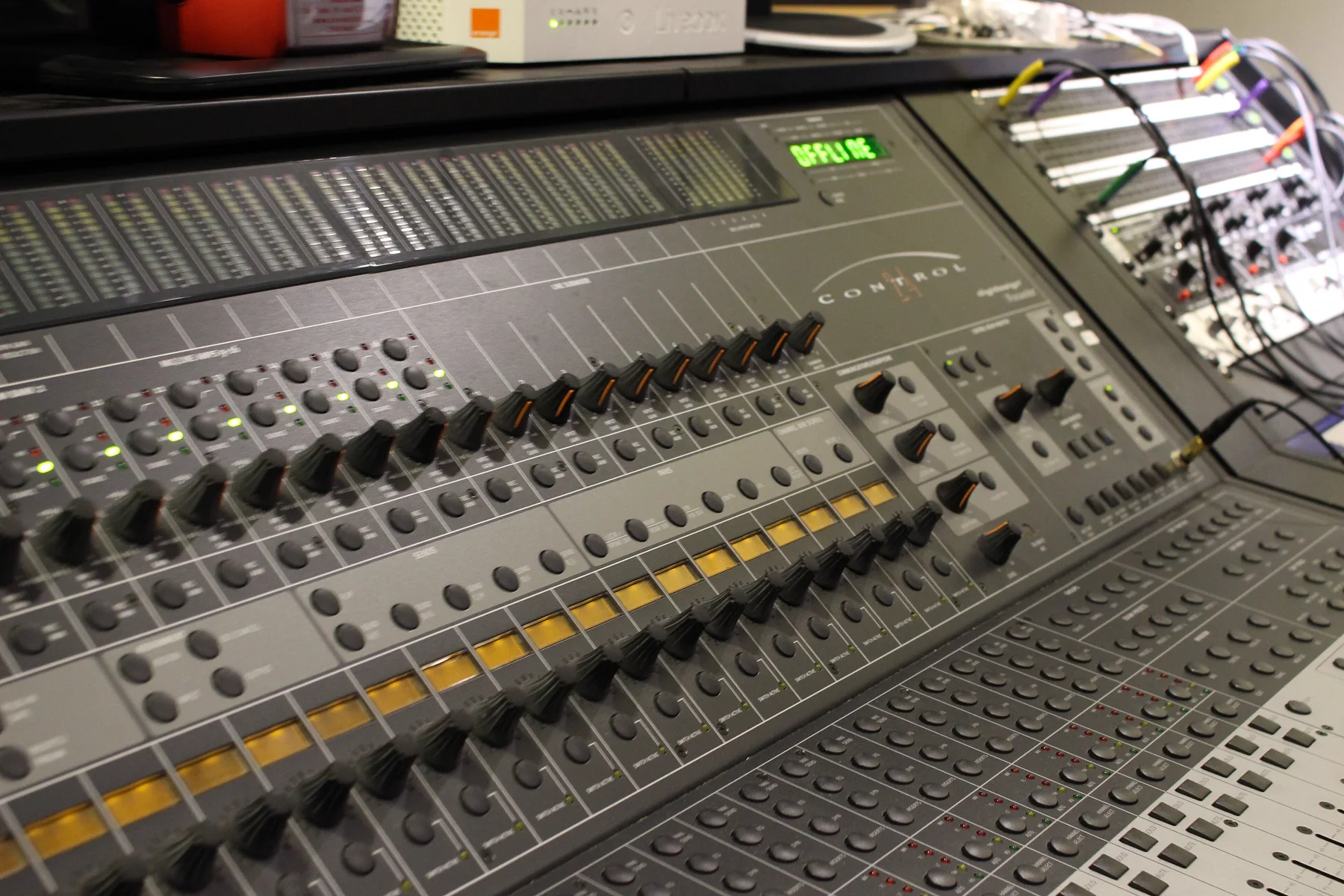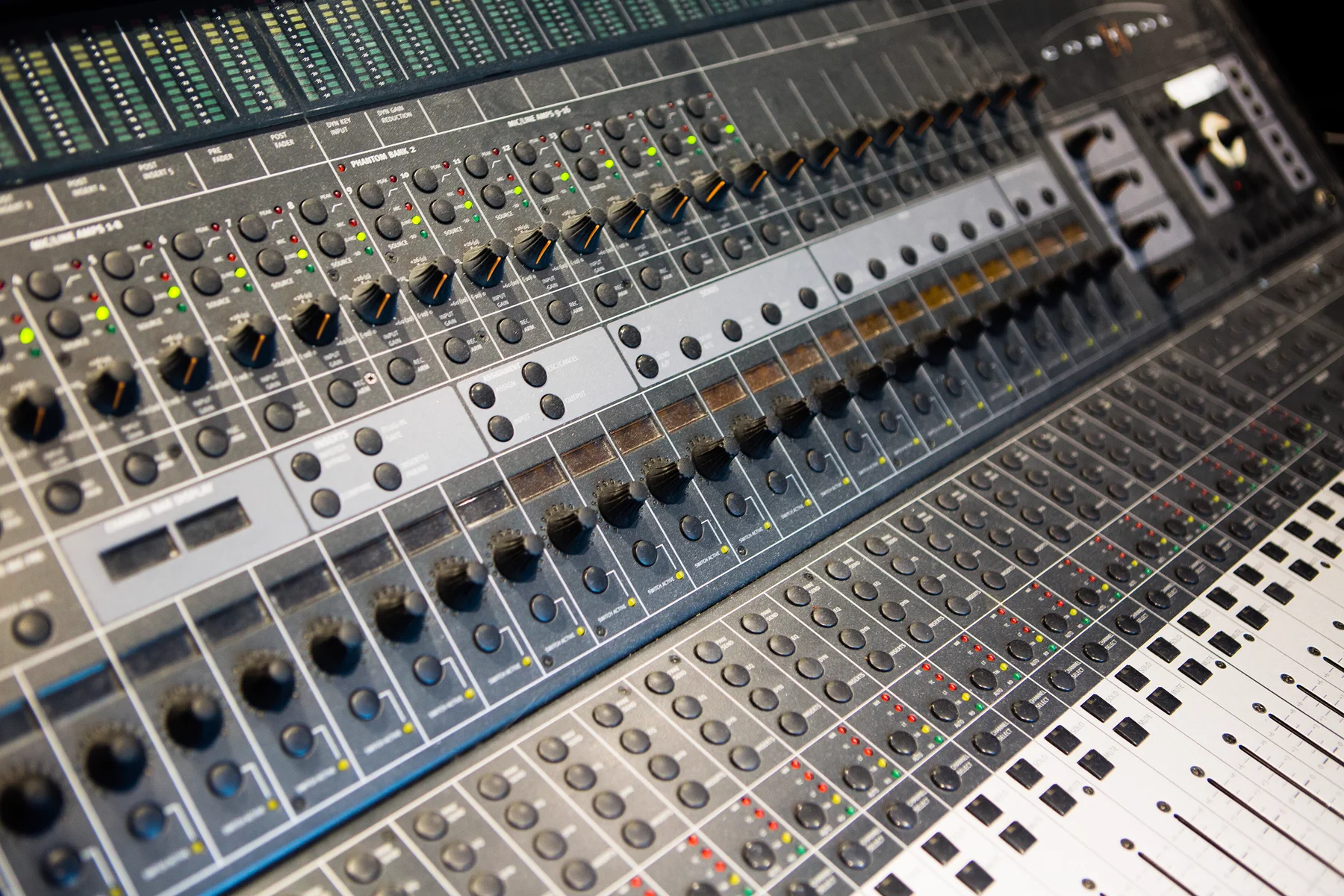
This is a real Control 24, filmed on a phone, being driven end to end by Keep Recordin'. Nothing staged, no render. Watch what the software does.
Cable the Control 24 to any Ethernet port. Keep Recordin' finds it, brings it online and takes over every lamp, strip and meter.

Keep Recordin' speaks the Control 24's own Ethernet protocol, then talks to your DAW in the deepest language it understands. Track names on the scribble strips. Meters at desk rate. Motorised faders that follow the mix.
Open Logic, it's a Mackie Control rig. Open Pro Tools, it's three HUI units. It detects the DAW and switches on the fly. Ports stay open, the desk stays online.
Every button is remappable from a plain JSON file. Key-command mapping for the buttons your DAW has no name for. Share presets with other Control 24 owners.
Build and test your DAW setup on a virtual Control 24 before the hardware is even cabled. Same ports, same behaviour, zero risk.
A live 3D view of your desk on screen: faders, meters, names, channel lamps, transport and which DAW is connected. See the desk from anywhere in the room.
Menubar app. Desk auto-detected on any Ethernet port, built-in or USB. One Start button. No switch, no router, no IP addresses.
Swift and C++. No Electron, no Rosetta, no background CPU. Meters at full desk rate and fader echo suppression done right.
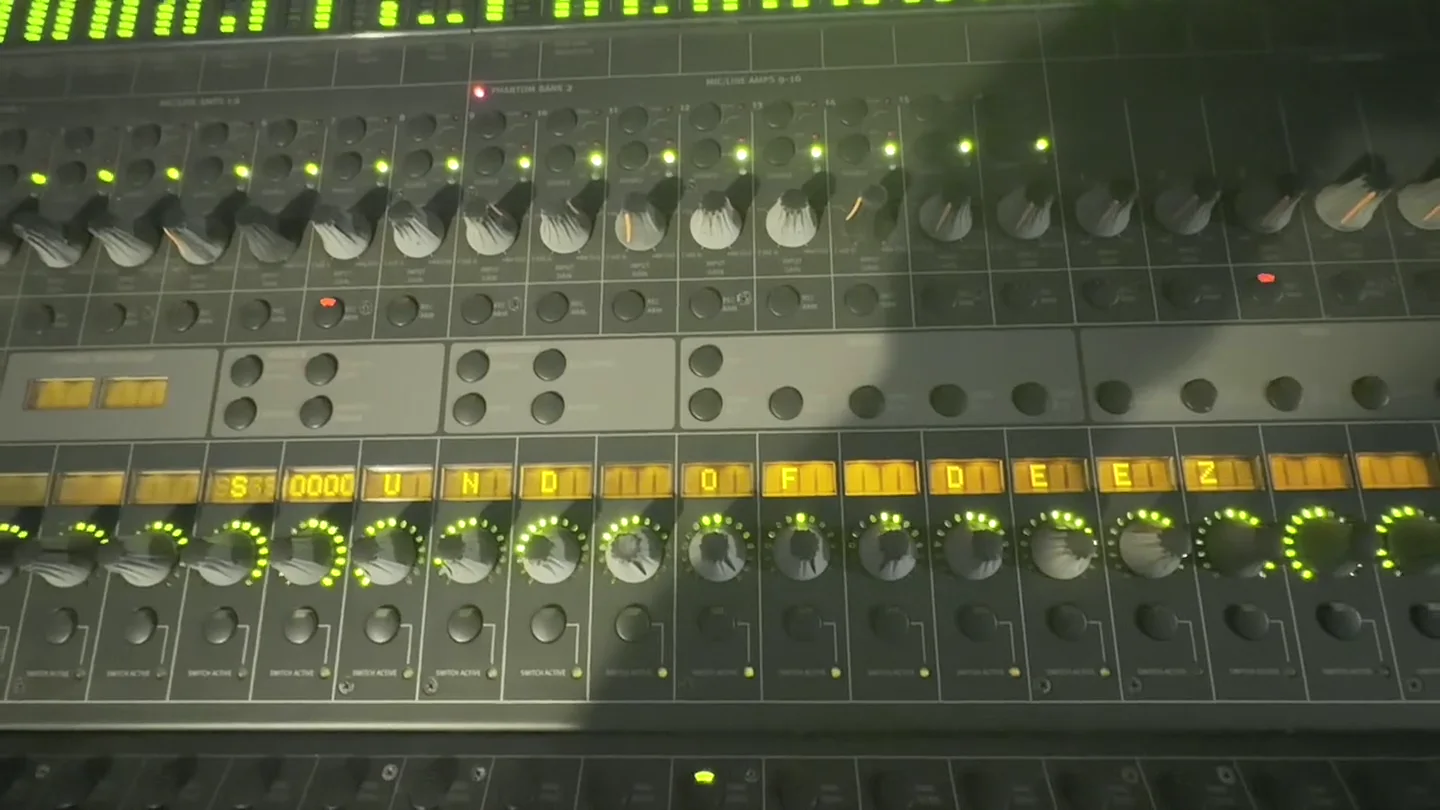
Power the desk on and it pulses SOUND OF DEEZ across the strips for three seconds, then hands over to your session. Hit Light Show after the mix and the whole console becomes Vegas: meter waves, ring sweeps, fader choreography, LED chases. Then it goes right back to the DAW, picture intact.
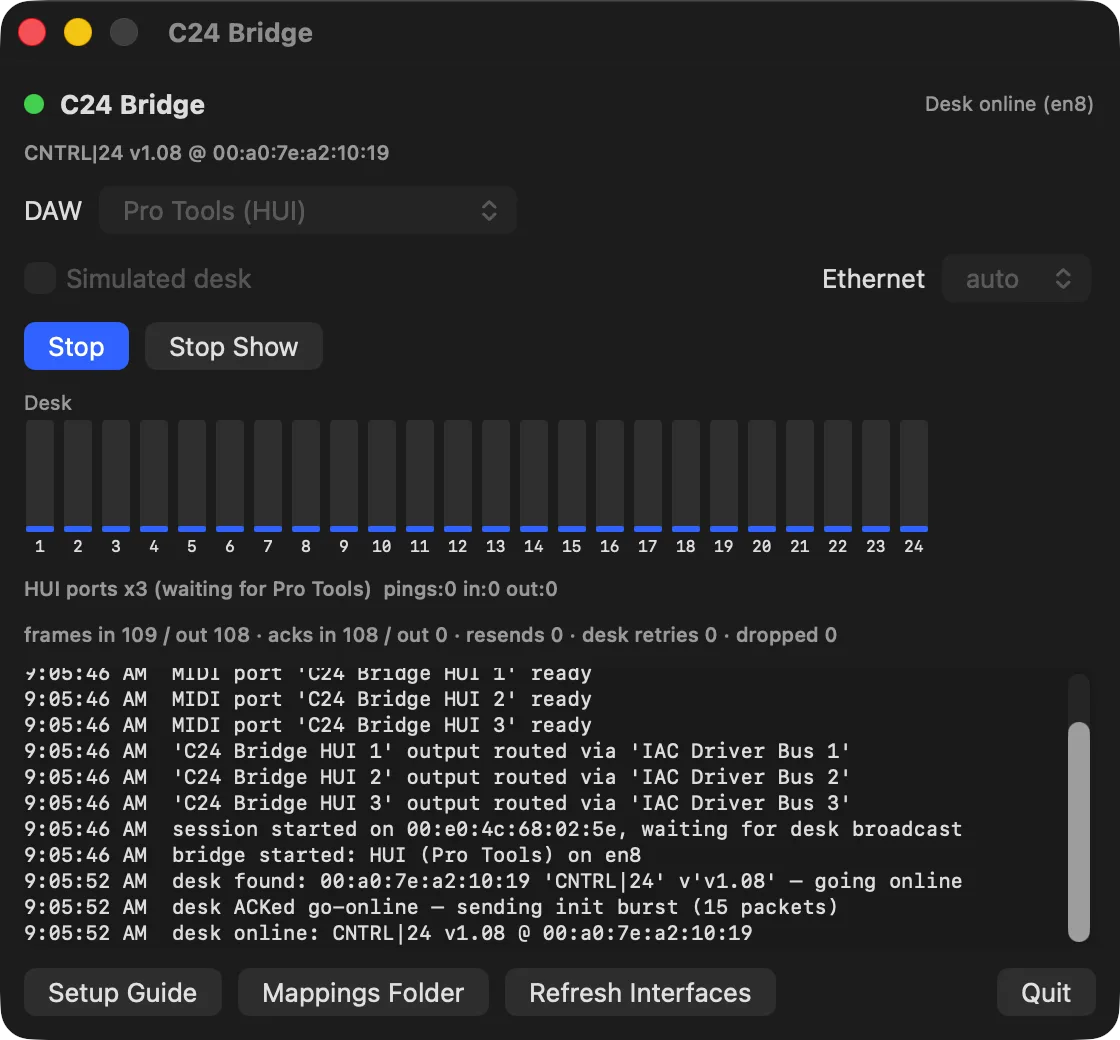
The same desk, the app on screen, and a session in Logic Pro through Keep Recordin'.
Desk status, DAW, Ethernet port, the Hub. One Start button. It finds the desk by itself and brings it online.


The other way to keep a Control 24 alive is a yearly subscription with iLok and lowest-common-denominator HUI for every DAW. We built the opposite.
No switch, no router, no drivers to hunt down. A straight Ethernet cable from the desk to the Mac.
Run the installer, enter your password once. That enables raw Ethernet access and adds the login item so the bridge is up whenever the Mac is.
Plug the Control 24 into any Ethernet port, built-in or a USB adapter. Power the desk. Keep Recordin' finds it by itself and plays the greeting.
Logic Pro auto-scans the ports. Pro Tools takes three HUI rows in Peripherals, once. The in-app Setup Guide walks every click.
One $100 licence covers every board here. Pick yours to see what it needs, how far it has been tested, and buy for that board. Your installers and setup steps follow your pick.
macOS 13 or newer, Apple Silicon. One licence, one Mac. Secure checkout by Stripe. You download straight after paying, and your licence and download link land in your inbox. Questions first? Email ddonald@builtondreams.llc.
The Digidesign Control|24 is verified on real hardware, on the desk's final firmware v1.08. The ProControl, Digi 002 and 003, PreSonus FaderPort family and ioStation, and Mackie Control style boards are in beta: built and tested against simulated units, not yet on real ones. The C|24, D-Command, D-Control and Command|8 are in development. Pick your board for the details.
Logic Pro and Pro Tools have dedicated adapters and are verified end to end. Anything that accepts a Mackie Control or HUI surface will see the desk too: Cubase, Nuendo, Studio One, Reaper, Live, Digital Performer. If your DAW needs a tweak, mail us and we'll map it.
No. The desk talks raw Ethernet, not IP. A single cable from the Control 24 straight into any Ethernet port on the Mac, built-in or a USB adapter, is the whole network.
No. One licence tied to your Mac. No dongle, no yearly renewal, no account server standing between you and your desk.
Any Apple Silicon Mac running macOS 13 or newer. The bridge is a small menubar app and a background service. It uses next to nothing while it runs.
Yes. Mappings are plain JSON files in your Application Support folder: per-channel buttons, global buttons, Shift combos. Map any desk button to any DAW action or key command.
No. Keep Recordin' is an independent product by Built on Dreams LLC. It works with the Control 24 by speaking its wire protocol, written from our own packet captures. No Avid or third-party code is inside.